
How to Easily Remove Connections from LinkedIn
When you are online (as you must be if you’re reading this!) click the link below. Using the person’s last name, find the name of the person you want to remove. Click on the name. Then on the right side of the screen click the button to remove them.
It will ask you to confirm that you indeed want to delete it. Say yes. You’re all done!
Links:
http://www.linkedin.com/connections?displayBreakConnections

About The Author
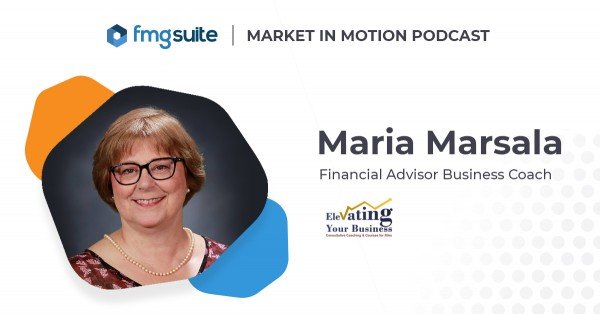
An irrepressible entrepreneur, Maria Marsala sold AVON at age 14 and landed on Wall Street three years later. She became a bond trader when female executives were as rare as pink diamonds. For 25 years, Maria streamlined Fortune 500 companies, nurtured non-profits, and discovered her niche—mentoring women CEOs and executives. Armed with corporate secrets and life coach credentials, Maria founded Elevating Your Business to help female financial professionals live better using her proprietary brand of consultative-coaching. Contact Maria today and take the first step toward freedom, full-fillment, and a sparkling quality of life! Contact me now!
Get my latest articles, research, and tools as they are produced. PLUS receive my popular “Niche-Rich Assessment” as a thank you for subscribing.
Featured Event
Affiliate Disclosure
Some of the links listed on this site are affiliate links. If clicked and purchased, we receive compensation for the recommendation.